Breaking the Touchscreen Taboo: Apple M6 and PROLED XDR Touch MacBook Pro Buyer's Guide
Apple announced the 14-inch M6 MacBook Pro on October 27, 2026 and its first touchscreen MacBook Pro, the PROLED XDR (M5 Pro / M5 Max), on October 28. Both go on sale November 6, and the Liquid Retina XDR M5 Pro / M5 Max models remain on sale. Based on Apple's official data, we compare specs, battery life and US/Taiwan/Japan prices, and explain who should upgrade and which to choose.
Published: 2026-10-30 | Updated: 2026-10-31 (corrected against Apple's official data)
This guide covers the new MacBook Pro models Apple announced in October 2026. The 14-inch M6 model was announced by press release on October 27. The PROLED XDR touchscreen models were unveiled on October 28 at Apple's "Pro and Tell" hands-on media event in Los Angeles, which was not a livestreamed keynote. Both go on sale on November 6.
Correction note: This version corrects starting prices, thickness and weight, ports, battery life, memory configurations and performance figures against Apple's official press releases and online store. It also adds the Liquid Retina XDR M5 Pro / M5 Max models that are still on sale, and a sources section at the end.
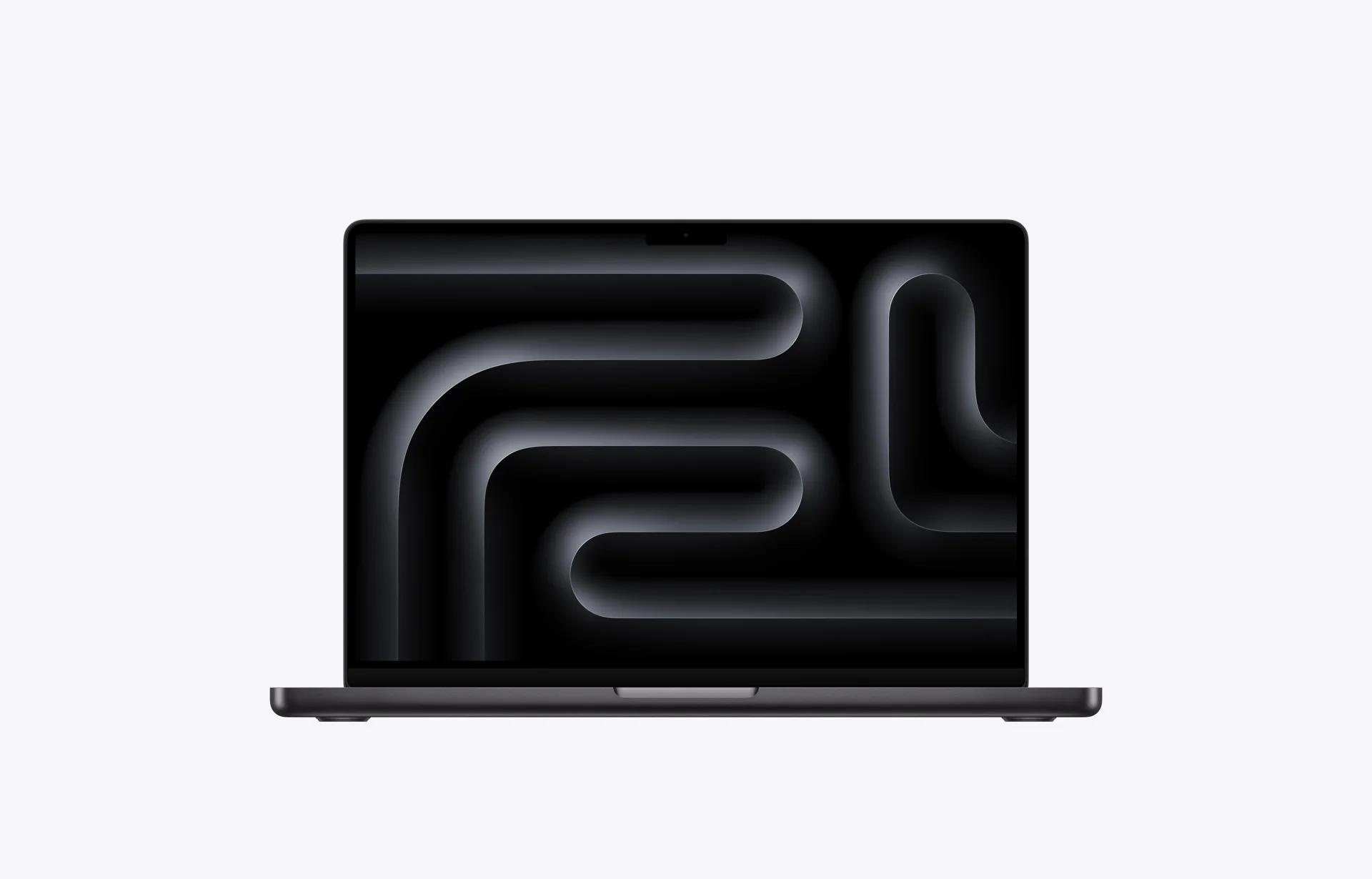
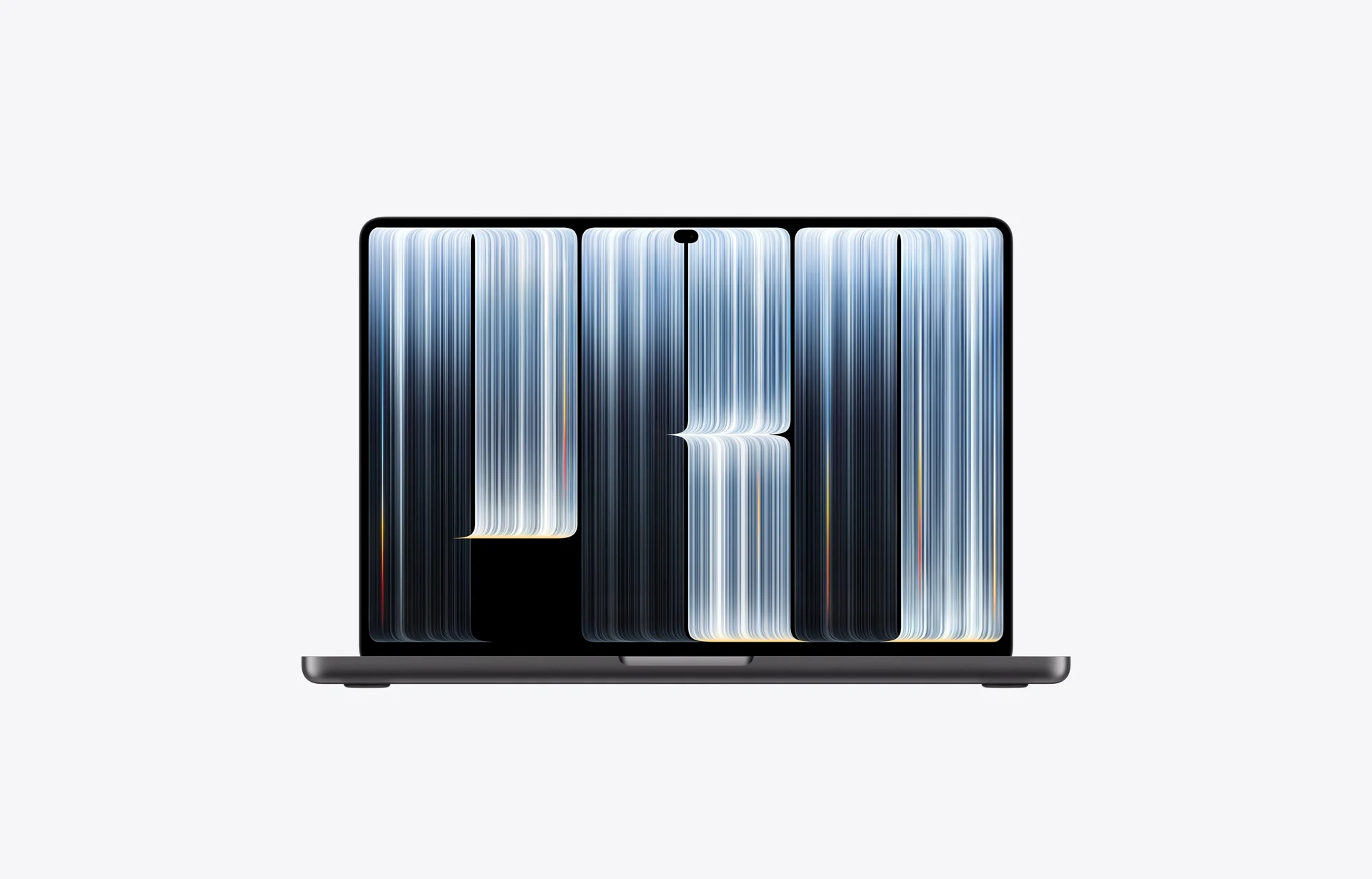
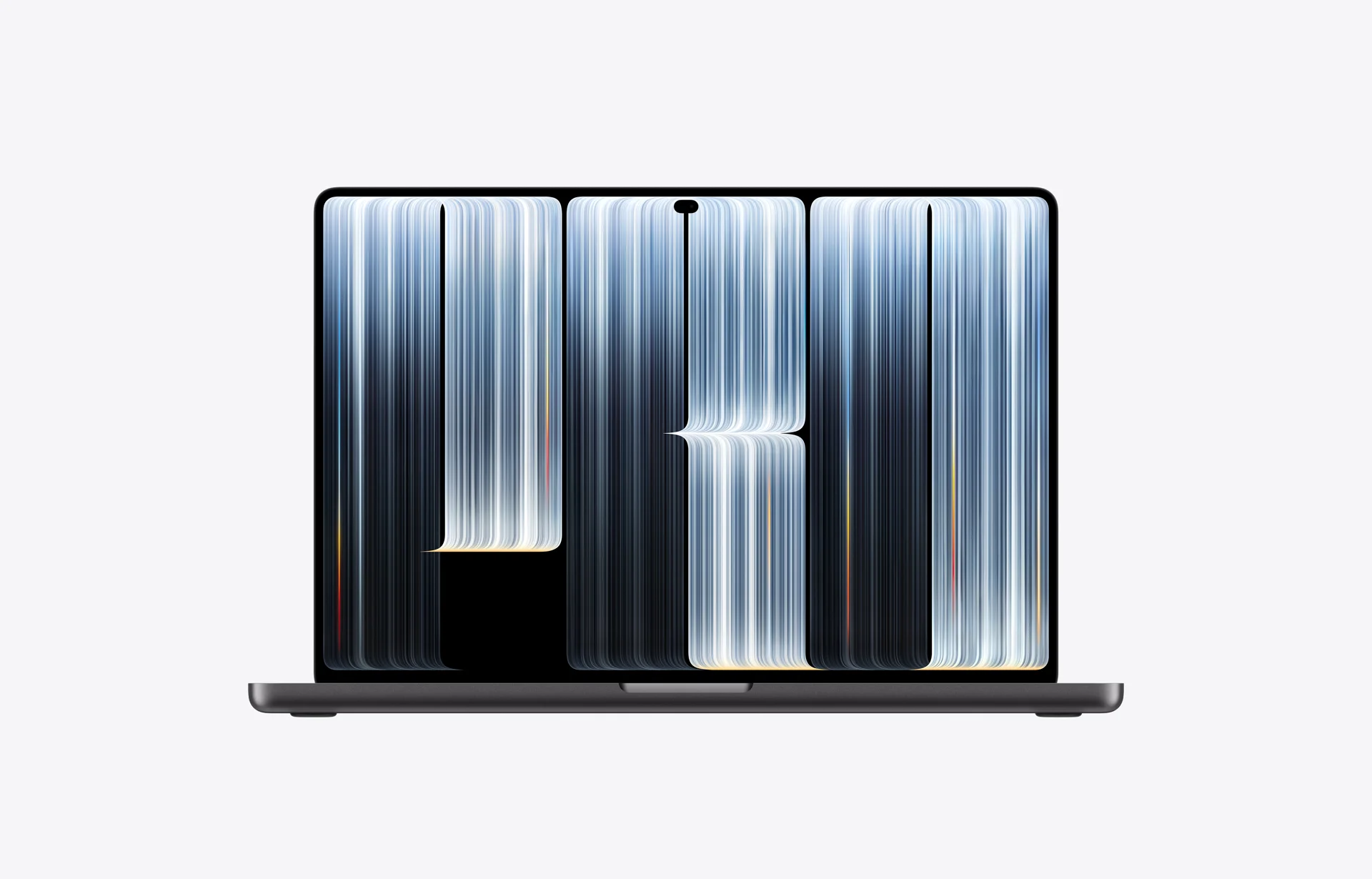
Apple has split the MacBook Pro into two paths this time. One is the Apple MacBook Pro 14-inch (M6), built around the M6 chip, up to 24 hours of battery life and on-device AI. The other is the first touchscreen Mac: the Apple MacBook Pro 14-inch PROLED XDR and 16-inch PROLED XDR, with a tandem OLED display and Dynamic Island. Apple's online store also still sells Liquid Retina XDR models with M5 Pro / M5 Max.
Who should upgrade, and who can wait? Here is our guide based on Apple's official specifications.
1. The Two New Lineups at a Glance
Apple now offers two different approaches to the MacBook Pro:
- Practical performance (M6 chip): keeps the Liquid Retina XDR (mini-LED) display and non-touch design, focusing on efficiency, on-device AI and long battery life.
- Touch flagship (PROLED XDR touchscreen models): a tandem OLED touchscreen, M5 Pro / M5 Max chips, a thinner and lighter body, and Dynamic Island. The Apple logo on the lid glows again ([Report] not mentioned in Apple's press release; confirmed by hands-on reports from MacRumors and TechRadar).
- Liquid Retina XDR M5 Pro / M5 Max models, still on sale: for buyers who need M5 Pro / M5 Max performance but not touch or OLED. With the same chip, they start lower than the PROLED XDR models.
| Spec / Feature | 14-inch MacBook Pro (M6) | PROLED XDR Touchscreen (14-inch / 16-inch) |
|---|---|---|
| Positioning | Mainstream developers, writers and business users | UI/UX designers, video creators, pros who want touch and OLED |
| Processor | M6 (12-core CPU / 12-core GPU) | M5 Pro (15-core CPU / 16-core GPU or 18-core CPU / 20-core GPU); M5 Max (18-core CPU / 32- or 40-core GPU) |
| Display | Liquid Retina XDR (mini-LED, 1600 nits peak HDR, 1,000,000:1 contrast) | PROLED XDR tandem OLED (10,000,000:1 contrast, 2000 nits peak, 10–120Hz, P3 + Adobe RGB, no blooming) |
| Touch support | No (keyboard and trackpad) | Yes (Multi-Touch; a newly designed hinge gives more stability while using touch) |
| Design highlights | Same body as before (15.5mm, 1.55 kg), keeps the notch | 14-inch is 0.5mm thinner (15mm, 1.38 kg, about 0.5 lb lighter); 16-inch is nearly 1mm thinner (16mm, 1.82 kg, about 0.7 lb lighter); Dynamic Island replaces the notch; glowing Apple logo [Report] |
| AI performance | Dual 16-core Neural Engine + a Neural Accelerator in each GPU core | 16-core Neural Engine + a Neural Accelerator in each GPU core; up to 128GB unified memory, up to 614GB/s memory bandwidth |
| Connectivity | 3× Thunderbolt 4, HDMI, SDXC; up to 2 external displays; Wi-Fi 7, Bluetooth 6 | 3× Thunderbolt 5, HDMI, SDXC; up to 3 (M5 Pro) / 4 (M5 Max) external displays; Wi-Fi 7, Bluetooth 6 |
| Official battery life | Up to 24 hours | 14-inch up to 22 hours (M5 Pro) / 20 hours (M5 Max); 16-inch up to 24 hours (M5 Pro) / 22 hours (M5 Max) |
| Starting price | From US$1,999 (Taiwan: from NT$64,900) | From US$2,899 (Taiwan: from NT$97,900; 14-inch M5 Pro) |
Starting prices by model (US prices exclude tax; Taiwan and Japan prices are tax-included Apple Store prices, checked 2026-10-31):
| Model | US | Taiwan | Japan (tax incl.) |
|---|---|---|---|
| 14-inch M6 (Liquid Retina XDR) | US$1,999 | NT$64,900 | ¥339,800 |
| 14-inch M5 Pro (Liquid Retina XDR) | US$2,499 | NT$84,900 | ¥429,800 |
| 16-inch M5 Pro (Liquid Retina XDR) | US$2,999 | NT$99,900 | ¥519,800 |
| 14-inch M5 Pro (PROLED XDR) | US$2,899 | NT$97,900 | ¥499,800 |
| 16-inch M5 Pro (PROLED XDR) | US$3,399 | NT$114,900 | ¥599,800 |
| 14-inch M5 Max (PROLED XDR) | US$4,499 | NT$152,900 | ¥769,800 |
| 16-inch M5 Max (PROLED XDR) | US$4,799 | NT$159,900 | ¥829,800 |
Education pricing for the M6 model starts at US$1,899, NT$61,900 and ¥322,800. Nano-texture glass on the PROLED XDR models adds NT$5,250 in Taiwan and ¥27,000 in Japan.
2. Deep Dive: What Really Sets the Two Models Apart?
1. Touch OLED model: Apple's first touchscreen Mac
At the 2010 "Back to the Mac" event, Steve Jobs said that vertical touch surfaces cause arm fatigue over time, which is why the Mac did not get touch. (The industry often calls this "gorilla arm"; those were not Jobs's own words.) In 2026, Apple released its first touchscreen Mac:
- Newly designed hinge: Apple says the new hinge keeps the display more stable while using touch.
- PROLED XDR (tandem OLED): 2000 nits peak brightness and 10,000,000:1 contrast, with none of the blooming seen on mini-LED. Optional nano-texture glass reduces reflections and glare.
- Dynamic Island and the glowing logo: Dynamic Island at the top of the display brings together Spotlight, Live Activities and Siri AI. The Apple logo on the lid glows again; its brightness follows the display and it uses a separate light source ([Report] MacRumors, TechRadar).
2. M6 model: efficiency, on-device AI and battery life
- On-device AI: a dual 16-core Neural Engine, plus a Neural Accelerator in each GPU core. In Apple's testing against M5, on-device AI is up to 25% faster, graphics up to 30% faster, and the Neural Engine up to 1.9x faster.
- Up to 24 hours of battery life: Apple rates the M6 model at up to 24 hours; actual results vary with use, configuration and environment. That is up to 4 hours more than the M1 model and up to 14 hours more than Intel models.
3. Upgrade Decision Matrix: Who Should Upgrade, and Who Should Wait?
🟢 Recommended upgrade
- Intel-era and M1 / M2 users:
- According to Apple, compared with the M1 MacBook Pro, the M6 model compiles in Xcode up to 2.5x faster, runs Affinity up to 3.3x faster, ray-traces in Blender up to 11.7x faster, and delivers LLM time-to-first-token up to 13x faster. Battery life is up to 4 hours longer than M1 and up to 14 hours longer than Intel models.
- UI/UX designers, visual artists and creative professionals:
- Our top pick is the PROLED XDR touchscreen model. Its tandem OLED supports P3 and Adobe RGB with no blooming in dark areas, and you can zoom the canvas and work with prototypes directly on screen.
- Team leads who often demo to clients or managers:
- The touchscreen lets you present directly on the display, and Dynamic Island and the glowing logo make the machine stand out.
🟡 Worth considering, depending on budget and needs
- Current M3 / M4 users:
- If your machine runs well, the everyday difference is limited. Unless you want the OLED display, touch or a lighter body, it can serve you for a few more years.
- Backend engineers, writers and database developers:
- Your hands are mostly on the keyboard and in the terminal, so you will not use touch much. We recommend the M6 model, with the budget spent on upgrading unified memory to 24GB or 32GB. If you need M5 Pro / M5 Max, the Liquid Retina XDR model costs less.
❌ No need to upgrade yet
- Users who just bought an M5-series Mac: the performance gap is small, so upgrading gives little benefit.
- Heavy AAA Windows gamers or researchers who rely on NVIDIA CUDA: consider a Windows / Linux GPU workstation instead.
4. Buying Strategy: Which One to Choose?
- [Practical pick] The Apple MacBook Pro 14-inch (M6)
- Recommended configuration: M6 / 24GB or 32GB unified memory / 1TB SSD.
- Best for: full-stack developers, engineers, editors and small business owners who value price-to-performance and battery life.
- [Touch flagship pick] The PROLED XDR touchscreen model (or the 16-inch for a bigger screen)
- Recommended configuration: M5 Pro / 48GB unified memory / 1TB SSD; for more graphics performance, choose M5 Max (from 36GB). Optional nano-texture glass reduces reflections and glare.
- Best for: creators, design directors and early adopters who want a touchscreen Mac.
- [Pro pick without touch] The Liquid Retina XDR M5 Pro / M5 Max models
- Best for: users who need M5 Pro / M5 Max performance but not touch or OLED. With the same chip, they start lower (for example, the 14-inch M5 Pro starts at NT$84,900 in Taiwan, versus NT$97,900 for the PROLED XDR model).
5. Editor's Summary
In 2026 Apple released its first touchscreen Mac, but it did not make every model a touchscreen.
If you need a reliable work machine with long battery life that will last for years, the M6 MacBook Pro is the most practical choice. If you want tandem OLED, touch and Dynamic Island, the PROLED XDR touchscreen model is this year's most notable new Mac. If you only need M5 Pro / M5 Max performance, the Liquid Retina XDR model saves you some money.
Sources (checked 2026-10-31)
- Apple Newsroom (US, 2026-10-27): Apple introduces the new 14-inch MacBook Pro with M6
- Apple Newsroom (US, 2026-10-28): Apple unveils groundbreaking MacBook Pro with PROLED XDR display
- Apple Newsroom (Taiwan, 2026-10-27): 14-inch MacBook Pro (M6) press release
- Apple Newsroom (Taiwan, 2026-10-28): PROLED XDR MacBook Pro press release
- Apple Newsroom (Japan, 2026-10-27): 14-inch MacBook Pro (M6) press release
- Apple Newsroom (Japan, 2026-10-28): PROLED XDR MacBook Pro press release
- Apple Store (prices): US Liquid Retina XDR, US PROLED XDR, Taiwan Liquid Retina XDR, Taiwan PROLED XDR, Japan Liquid Retina XDR, Japan PROLED XDR
- [Report] MacRumors (2026-10-28): Hands-on report on the glowing Apple logo
- [Report] TechRadar (2026-10-29): How the glowing Apple logo works
- [Report] MacRumors (2026-10-19): Preview of the Pro and Tell media event